The main window
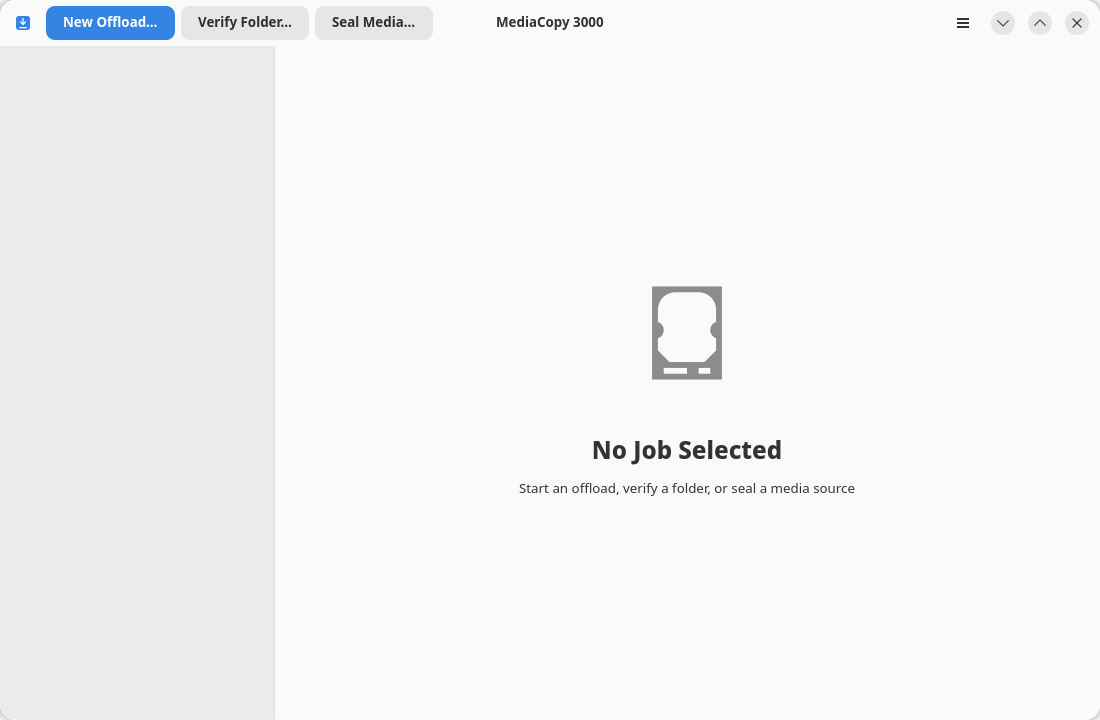
The main window has three parts: the header bar, the job list and the detail pane.
The header bar
Three buttons sit at the left and start one kind of job:
| Button | What it starts |
|---|---|
| New Offload… | An offload. The page Offload a media source explains it. |
| Verify Folder… | A verify. The page Verify a folder explains it. |
| Seal Media… | A seal. The page Seal a media source explains it. |
The menu button sits at the right, which you can open with the F10 key.
The job list
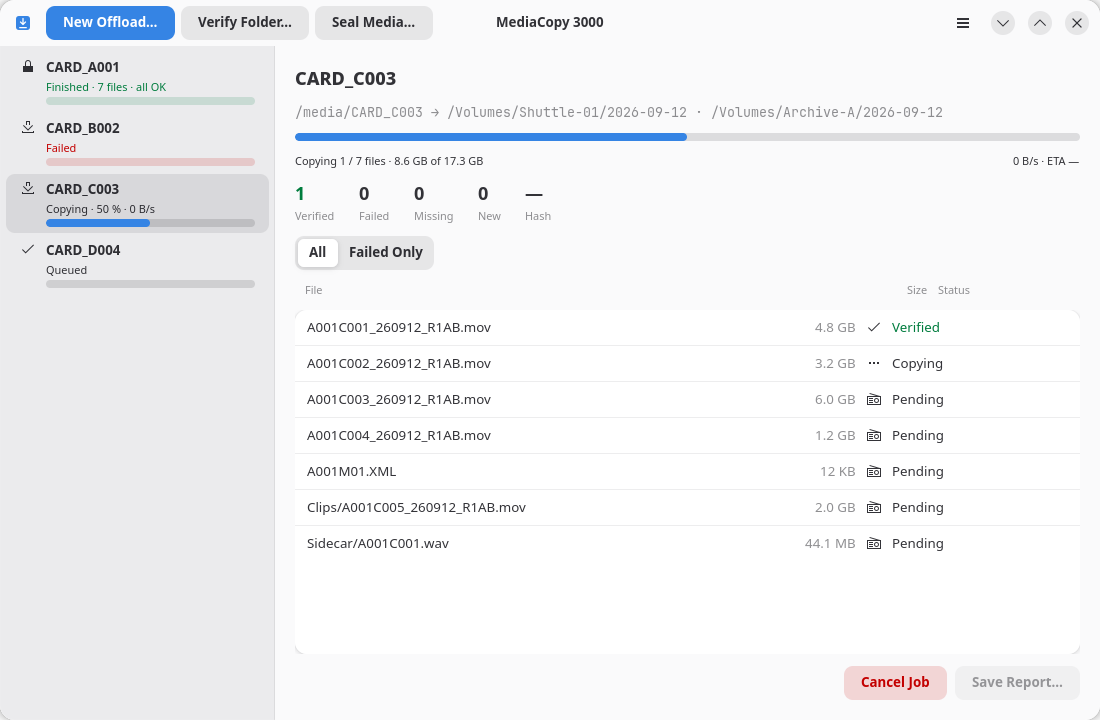
The list at the left holds the jobs, one per row, their phase and a progress bar.
| The row says | What it means |
|---|---|
Queued | The job waits for its turn. One job runs at a time. |
Needs review | The job was planned again and the plan changed. The plan sheet waits for your answer. |
Copying · 42 % · 310 MB/s | An offload runs. The number is the bytes done of the bytes planned, then the rate. |
Writing the manifest · 25 s | The job read or wrote every file. It now writes its manifest. The number is the time it waited for the disk. |
Saving to disk · 14 s | The job moved no byte for some seconds. The words name the state of the file in hand, and the number is the time in it. The page While a job runs explains it. |
Verifying… | A verify runs. |
Sealing… | A seal runs. |
Finished · 7 files · all OK | Every file agreed. The line turns green. |
Finished · 2 failures | Some files did not agree. The line turns red. |
Failed | The job stopped before its end. A message at the bottom of the window gives the reason, and the report keeps it. |
Cancelled | You stopped the job. |
Click a row to select the job. Ctrl+Page Down and Ctrl+Page Up move the selection. The Keyboard Shortcuts page lists every key.
The Details pane
The central view shows the selected job. The page While a job runs explains each part of the pane.