Appearance
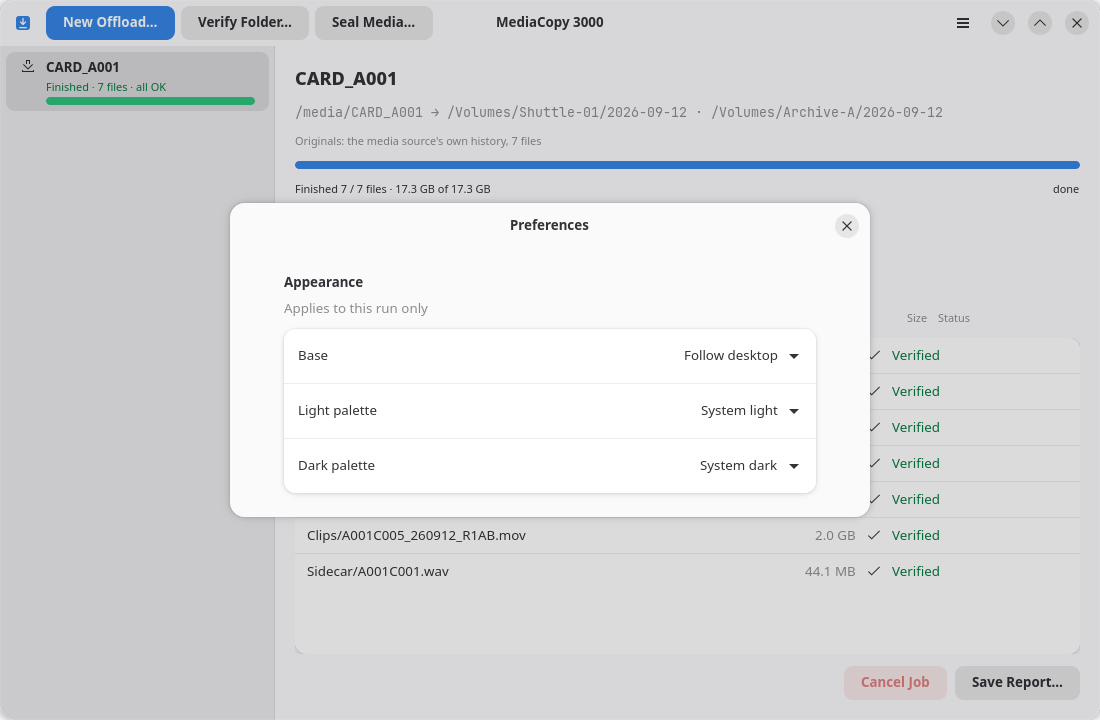
Open the preferences with the menu item Preferences, or with Ctrl+,.
Theme
The Appearance group holds three settings:
| Setting | What it does |
|---|---|
Base | Says who decides between light and dark. |
Light palette | The palette the window wears while the base is light. |
Dark palette | The palette the window wears while the base is dark. |
Base has three values:
| Value | What it does |
|---|---|
Follow desktop | The desktop decides. A change to the desktop reaches the window at once, and a running job does not delay it. |
Always light | The window stays light, whatever the desktop does. |
Always dark | The window stays dark, whatever the desktop does. |
Under a held base, one of the two palette rows has nothing to say. That row goes grey, and you cannot change it until the base can reach it again.
Each palette list holds the palettes of its own base, and no other. A row gives the name of the palette alone, because the row above it already gives the base. The list has one section for each family, and the section header gives the family.
| List | Sections and rows |
|---|---|
| Light palette | System → System light; Catppuccin → Latte; Dracula → Alucard; Everforest → Hard, Medium, Soft; Kanagawa → Lotus |
| Dark palette | System → System dark; Catppuccin → Frappé, Macchiato, Mocha; Dracula → Dracula; Everforest → Hard, Medium, Soft; Kanagawa → Dragon, Wave |
A family appears in a list only if it holds a stylesheet of that base.
Where the list comes from
The application reads the list at each start. It holds no palette name of its own.
assets/themes/<family>/<light|dark>/<name>.cssThe first directory gives the family, the second gives the base, and the name of the file gives the rest of the row. A dash in a file name becomes a space, and each word starts with a capital letter. A directory with an other name than light or dark holds no palette, and the application passes it by.
To add a palette, put a CSS file at that place. To remove one, delete its file.
What a family says about itself
A family can hold one JSON file beside its light and dark directories:
assets/themes/<family>/family.json{
"name": "Catppuccin",
"homepage": "https://catppuccin.com"
}| Field | What it does |
|---|---|
name | The name in the section header. Without it, the header takes the name of the directory. |
homepage | The address of the family's own page. With it, the header shows a link button at its right; push the button to open the page in the browser. |
Both fields are optional, and the file itself is optional. If the file cannot be parsed, only metadata are lost; the palettes stay in the list, and the application writes the reason of the parser on its error output. The System header has no link.
| Family | Page |
|---|---|
Catppuccin | https://catppuccin.com |
Dracula | https://draculatheme.com |
Everforest | https://everforest.vercel.app |
Kanagawa | https://github.com/rebelot/kanagawa.nvim |
Gallery
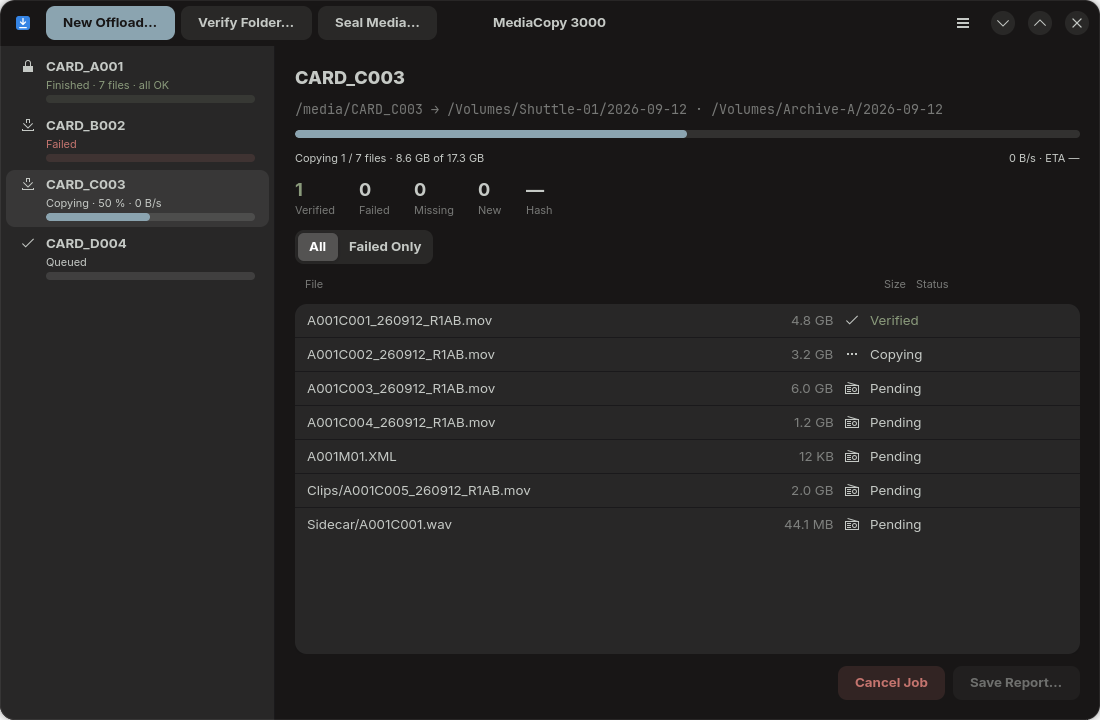
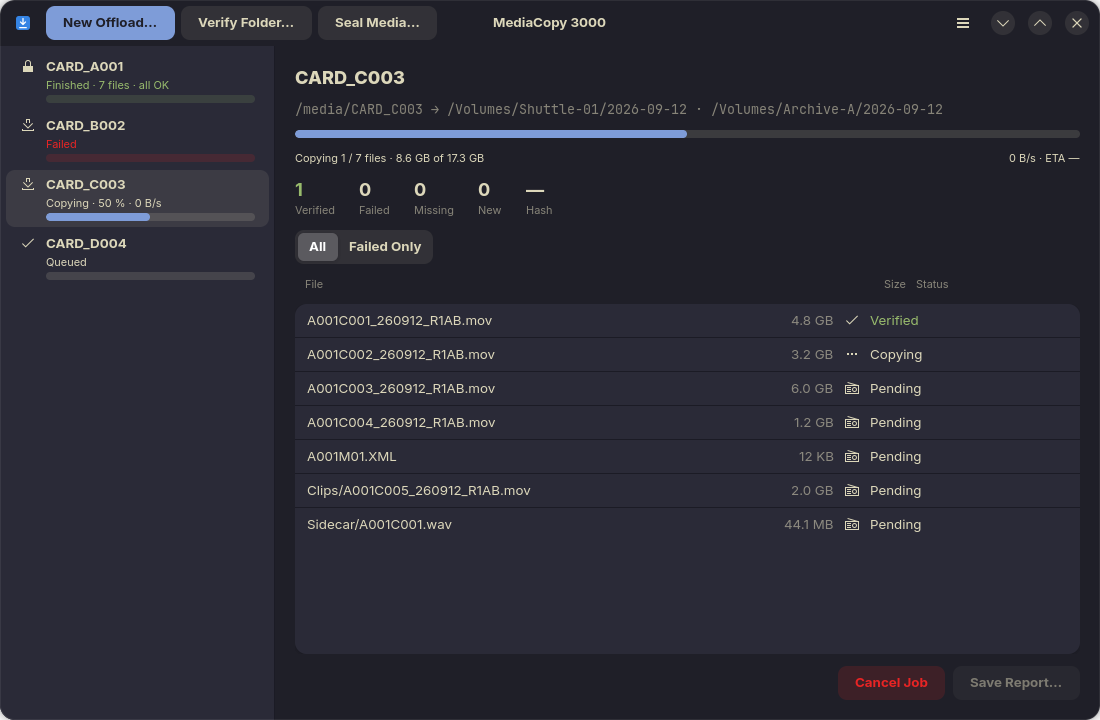
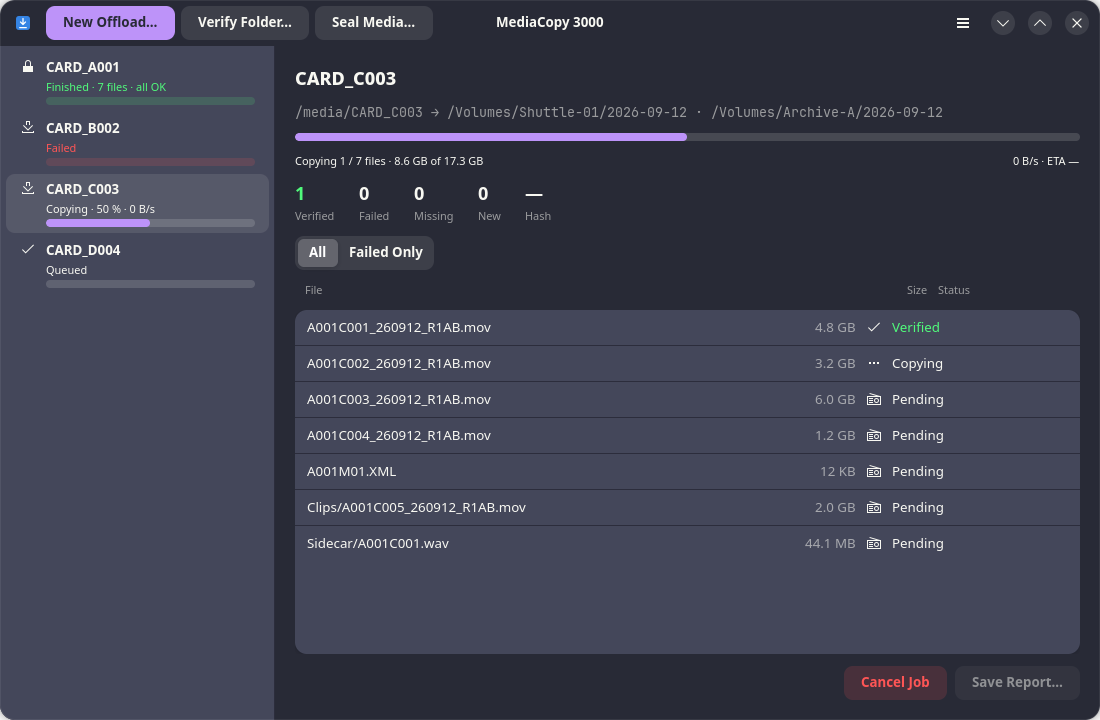
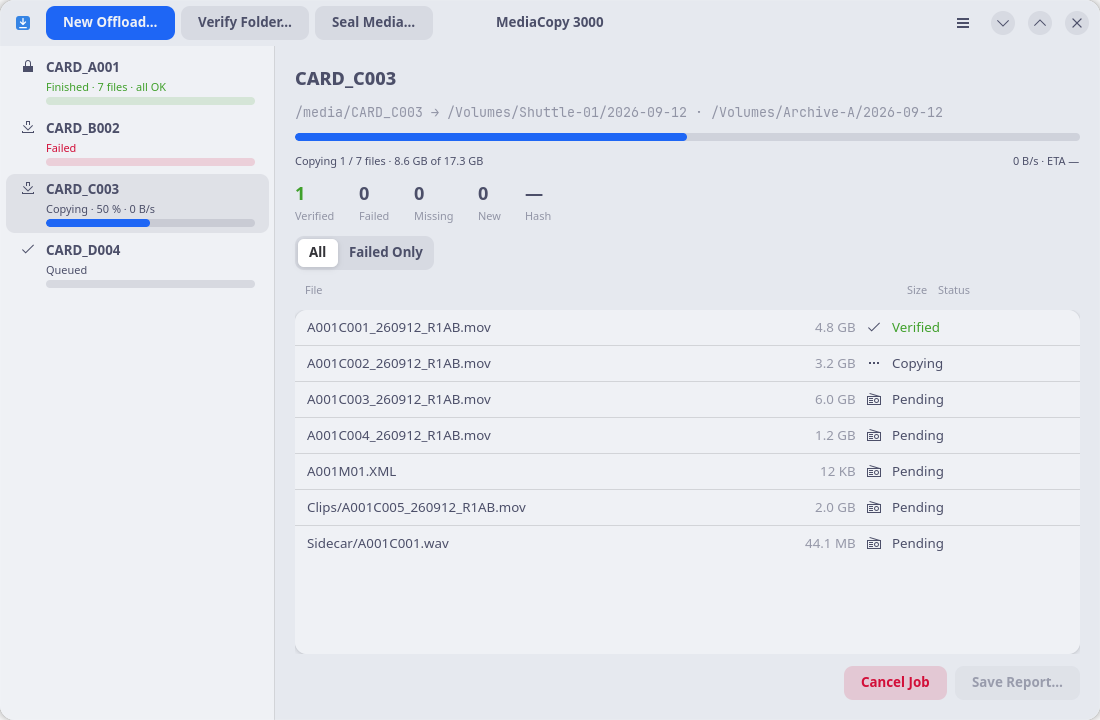
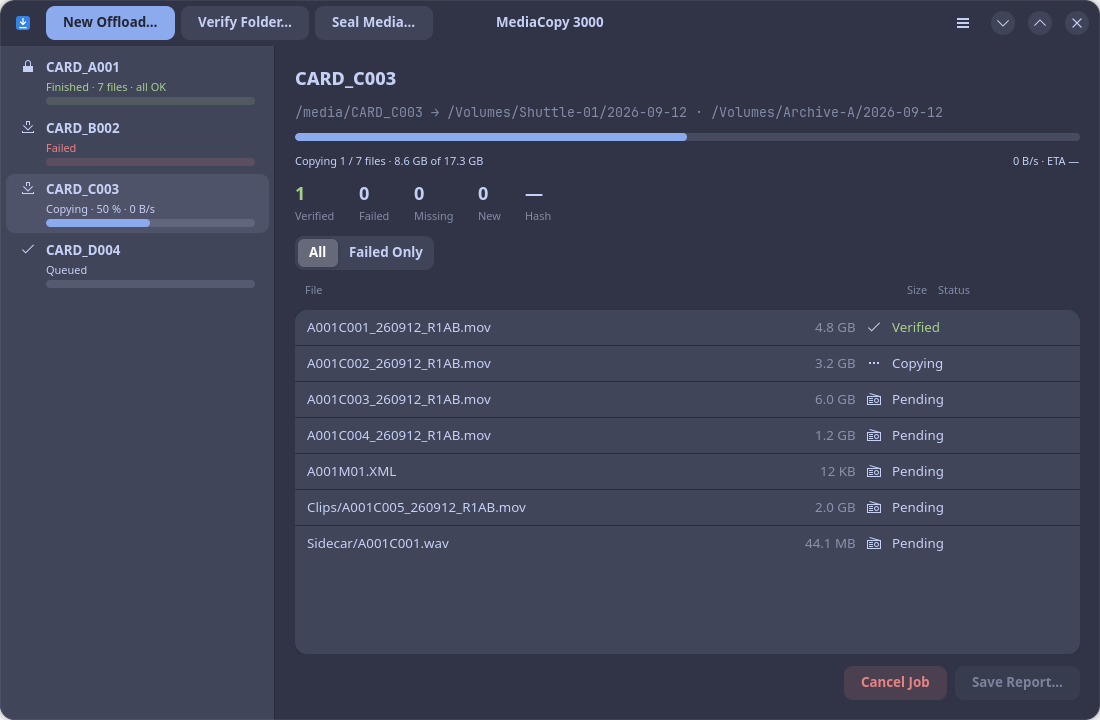
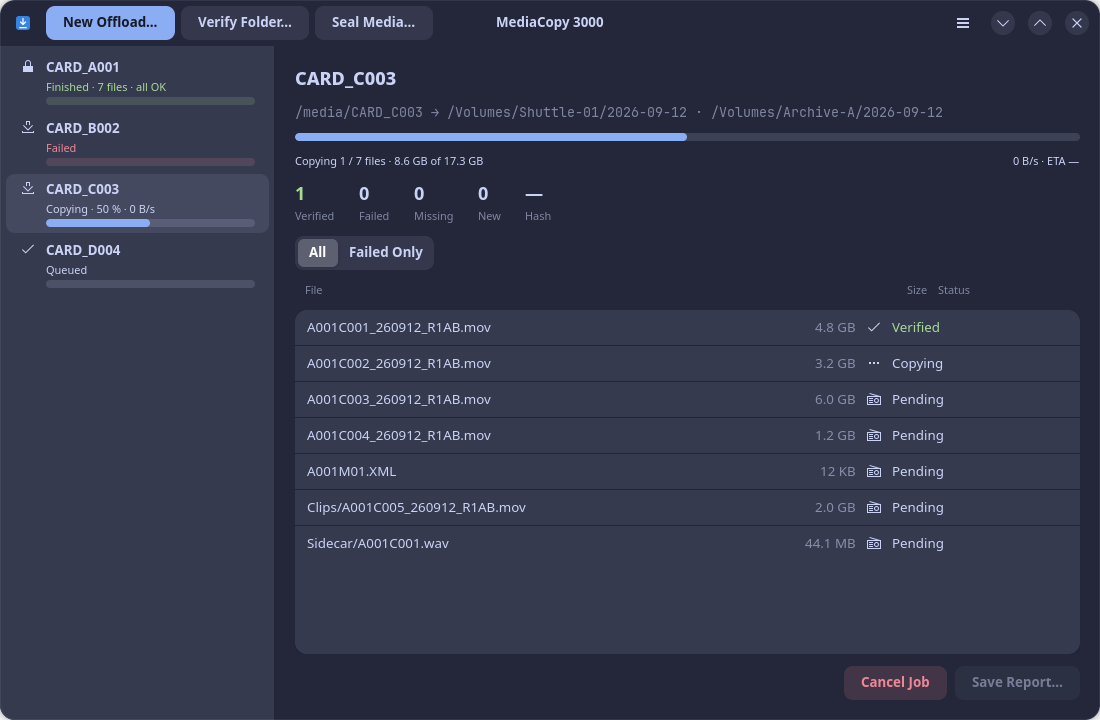
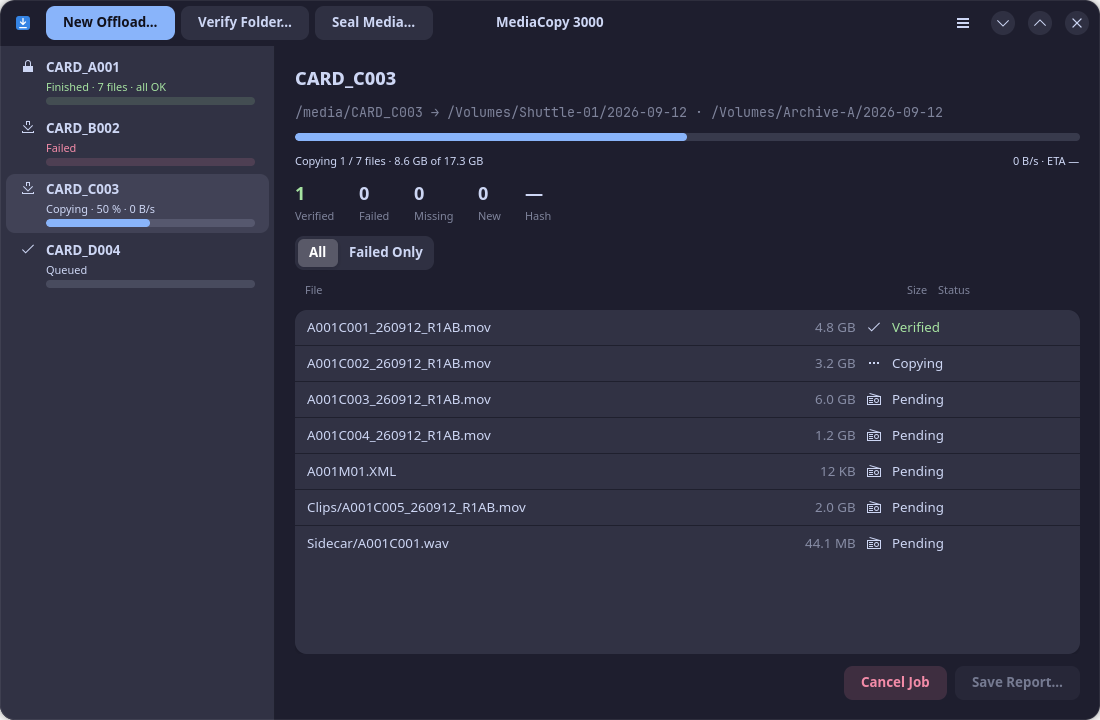
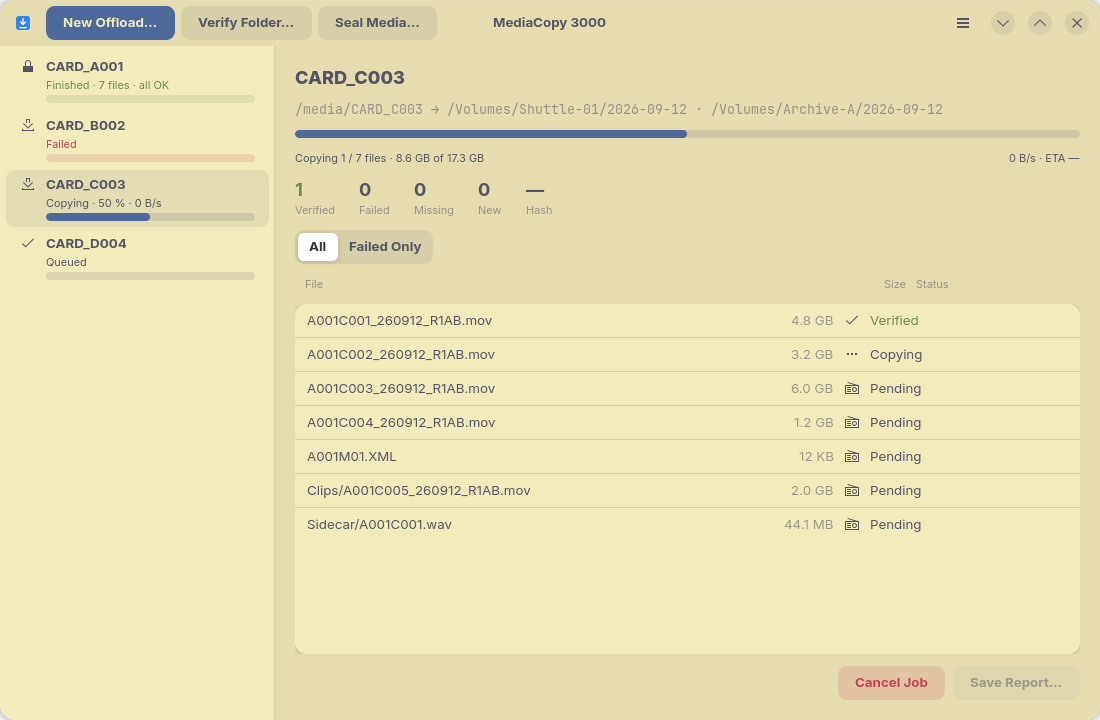
One picture of the queue for each palette, in the order the lists show them. Click a picture to open it in a new tab.
Catppuccin
Light
Dark
Dracula
Light
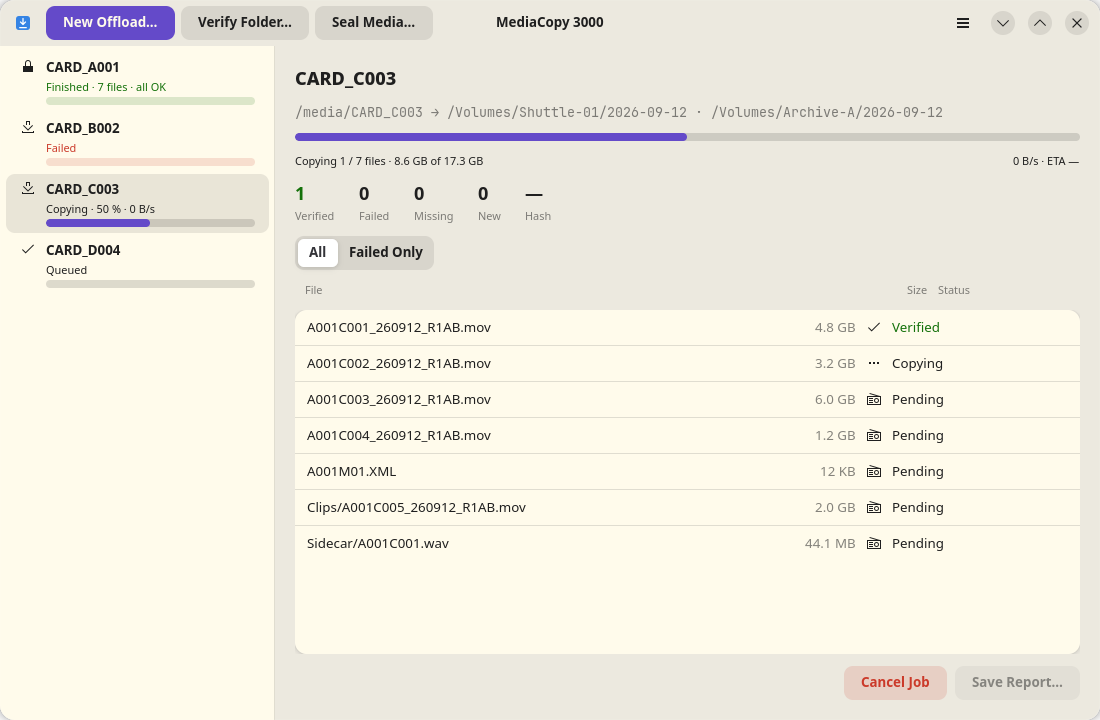
Dark
Everforest
Light
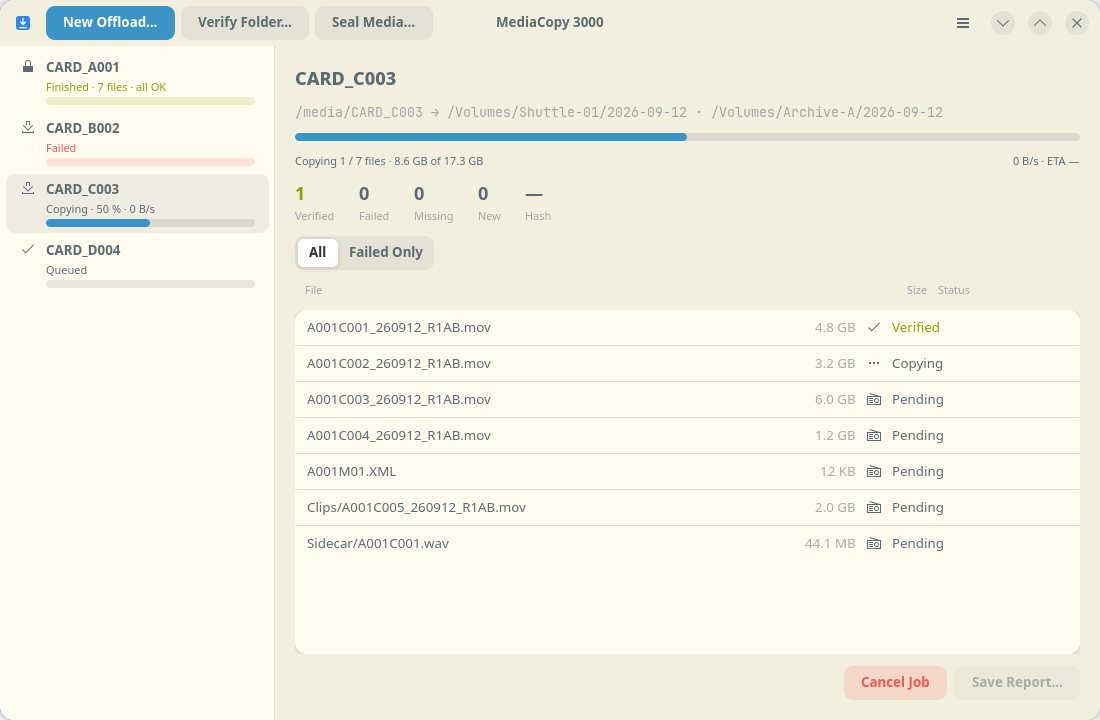
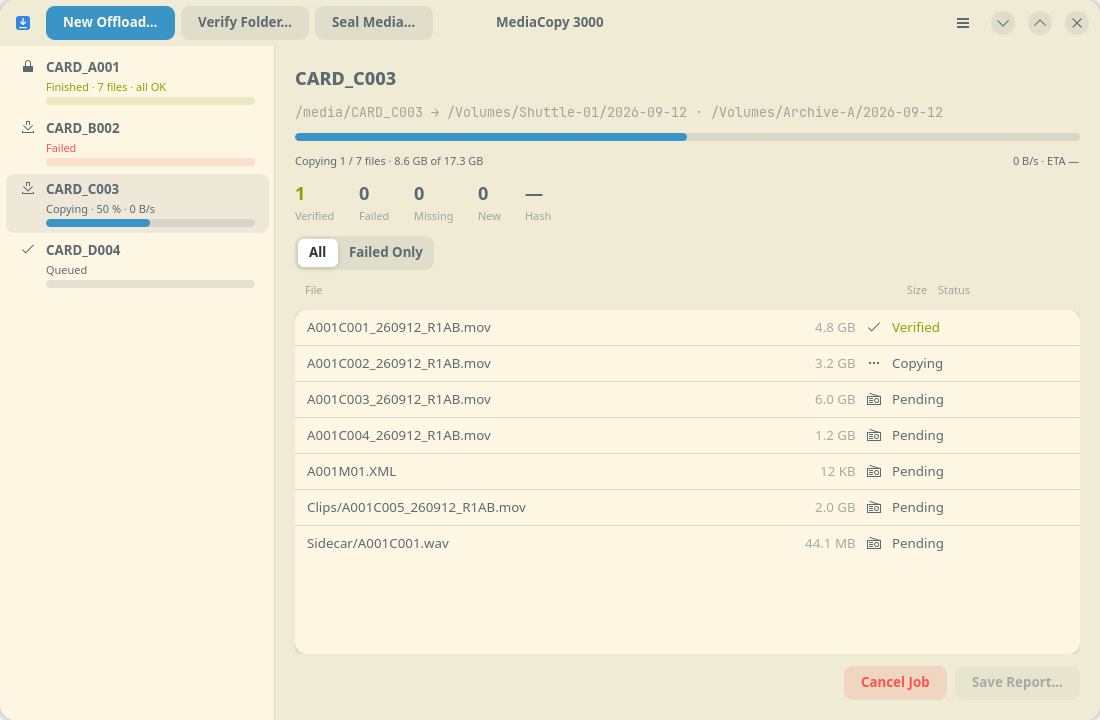
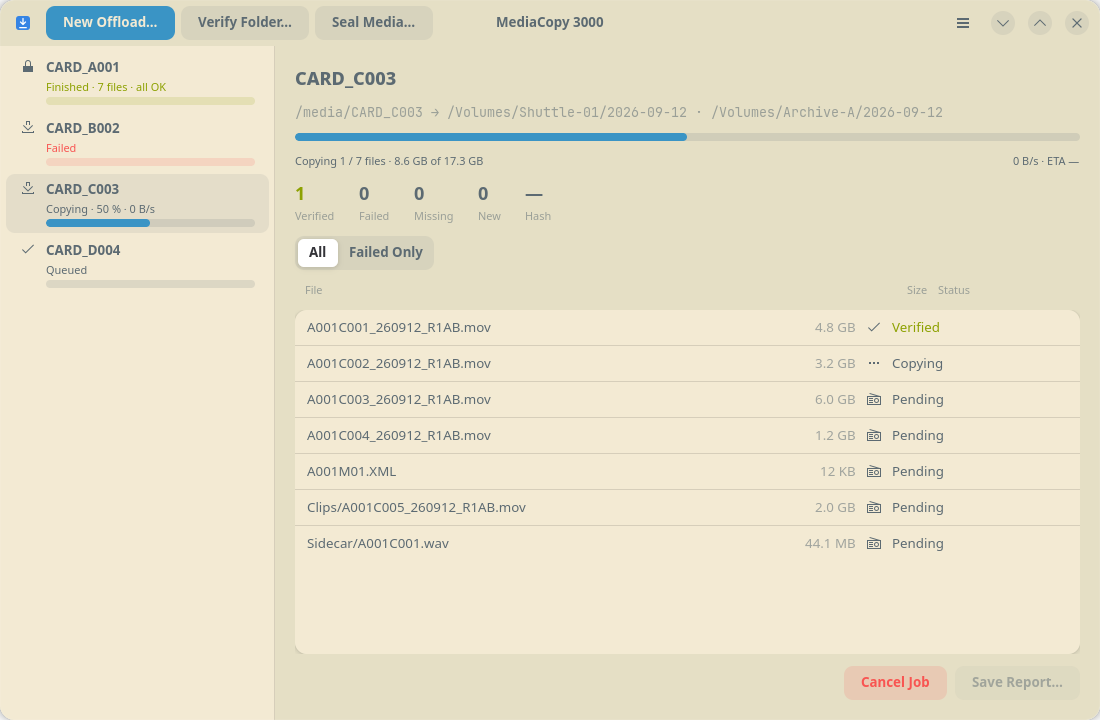
Dark
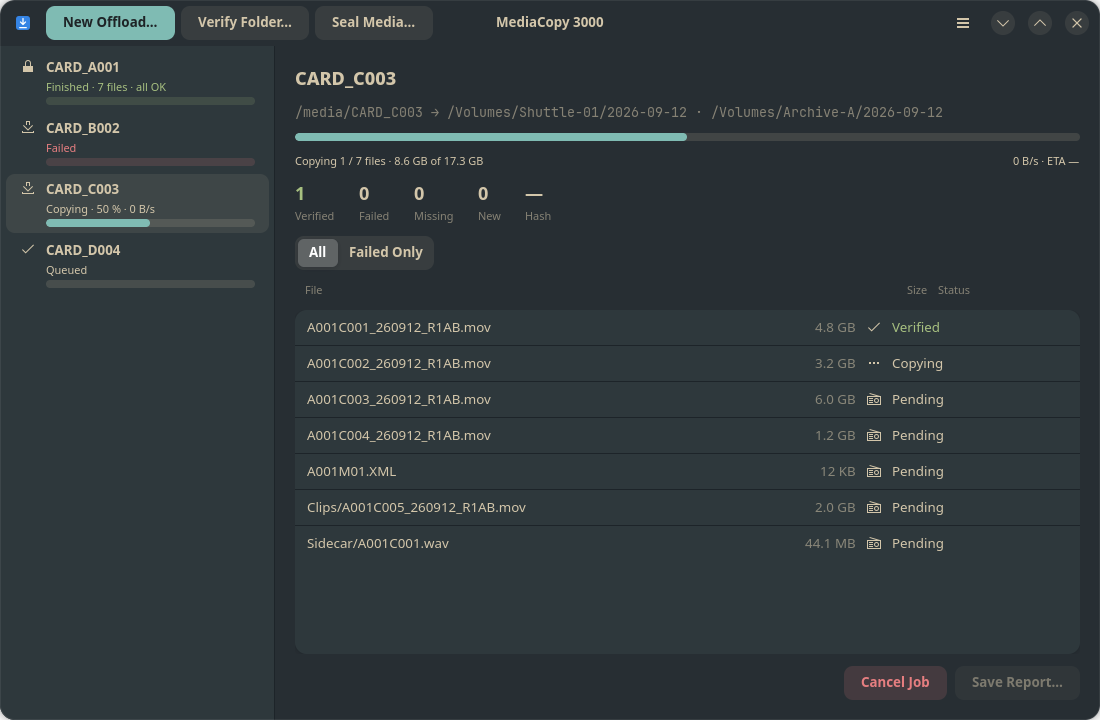
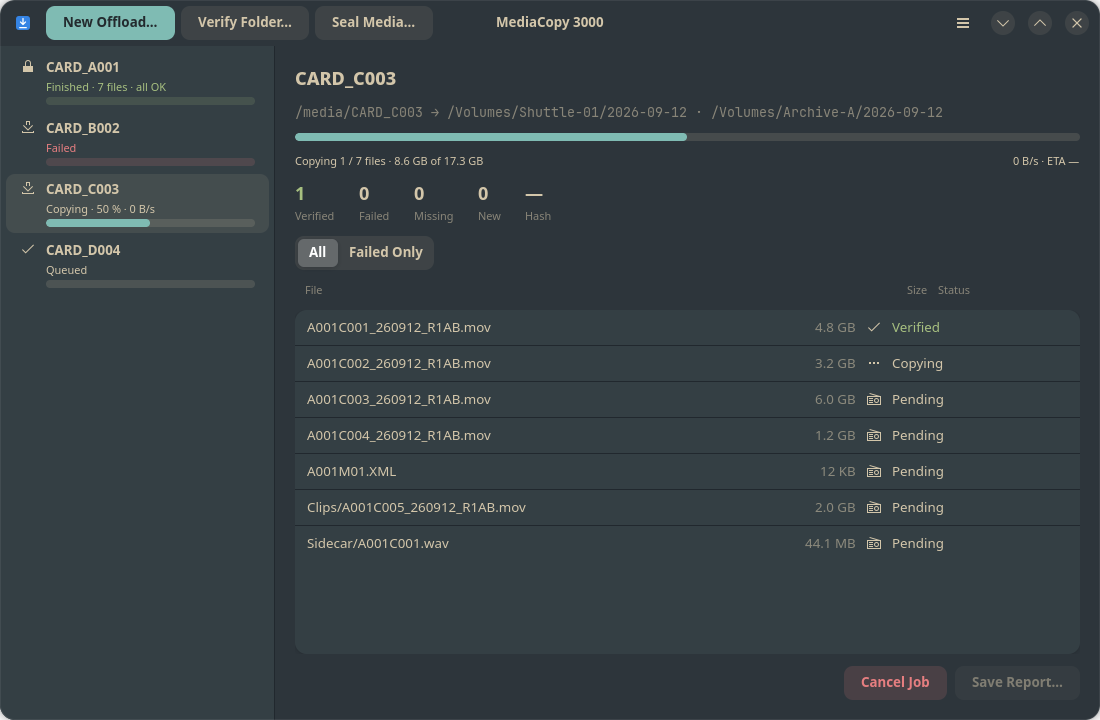
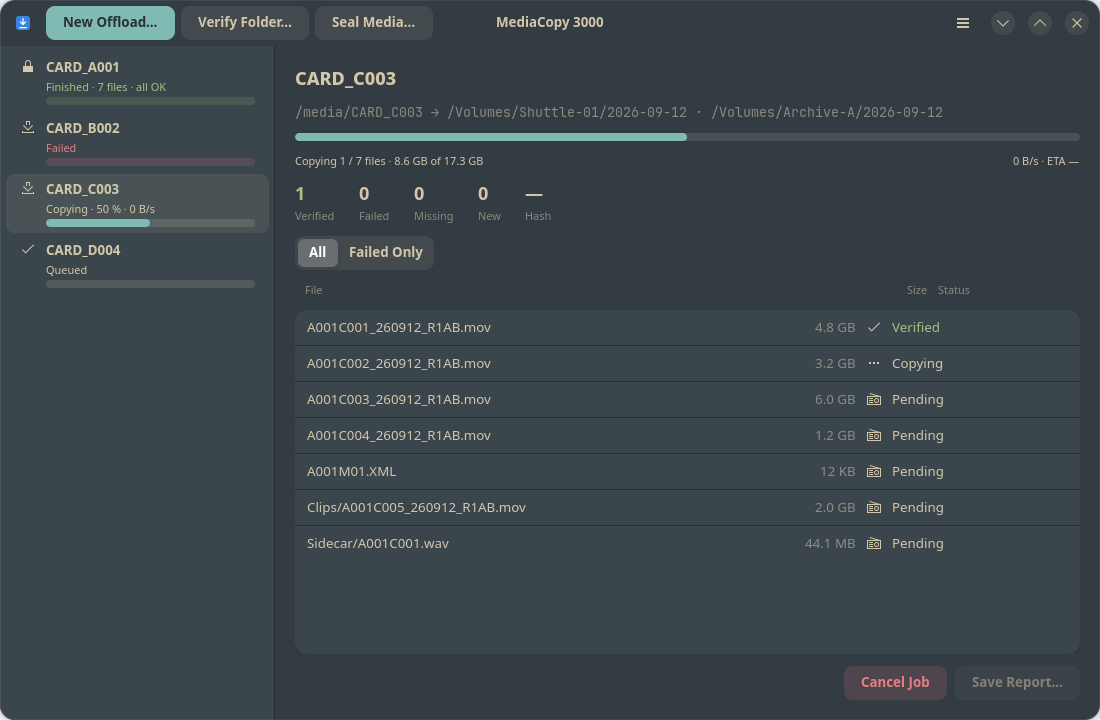
Kanagawa
Light
Dark