The plan
The plan sheet shows what a job will do before the job does it.
Every job goes through it: an offload after you click Review Plan…, a verify or a seal as soon as you pick the folder.
While it reads
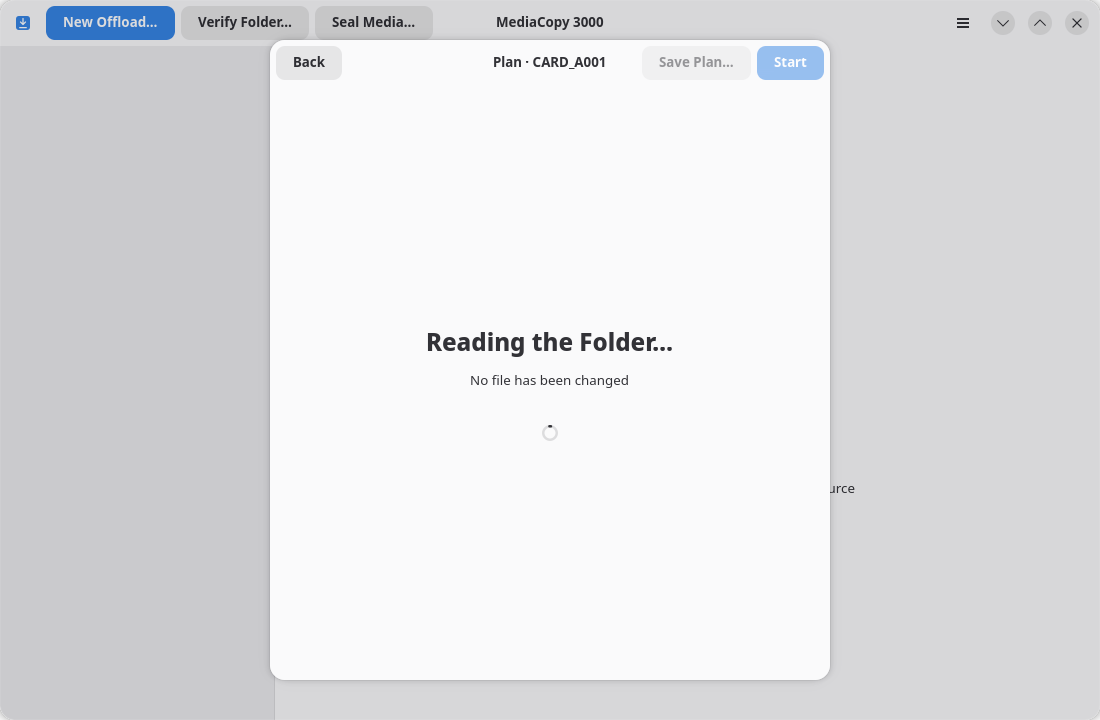
The sheet says Reading the Folder… and No file has been changed. A media source with many files takes a few seconds.
When it is ready
This sheet has four groups:
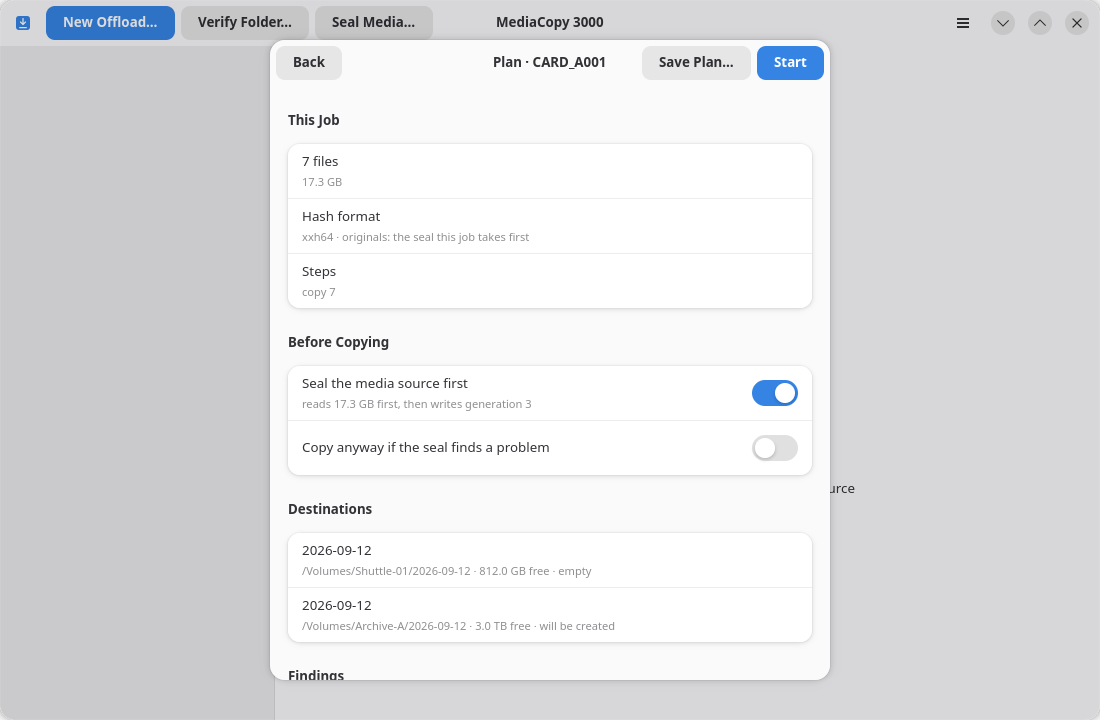
This Job
| Row | What it says |
|---|---|
7 files | How many files the job will handle. The subtitle is the bytes of those files, which does not count a seal pass. |
Hash format | The one hash format this job will use, and where the originals come from |
Steps | What the job will do, counted by kind: copy, missing, overwrite, record, reuse, verify. The sheet lists them in alphabetical order. |
A job settles on one hash format and uses it for every file. It takes the format from the records it must check against. When nothing decides, it uses xxh64.
missing counts the files that the history names but the disk does not hold.
reuse counts the files that every destination already holds with the right size. The job hashes each one and copies it only when the hash differs. overwrite counts the files the job copies over a file that one destination already holds. A file that one destination holds and another does not counts as copy. Until you choose Resume or Replace, the tally shows the Replace case.
Before Copying
This group is for offloads only. It holds the two switches that the page Seal the media source first explains. It also holds the Existing copy row when a destination holds a partial copy.
Destinations
One row for each destination: the full path, the free space, and the state of the folder.
| State | What it means |
|---|---|
empty | The folder exists and holds nothing. |
not empty | The folder holds a file, a folder or a generation that the media source does not hold. This is a blocker. |
will be created | The folder does not exist yet. The job will make it. |
partial copy | The folder holds some files of this media source and nothing else. You must choose Resume or Replace. |
Findings
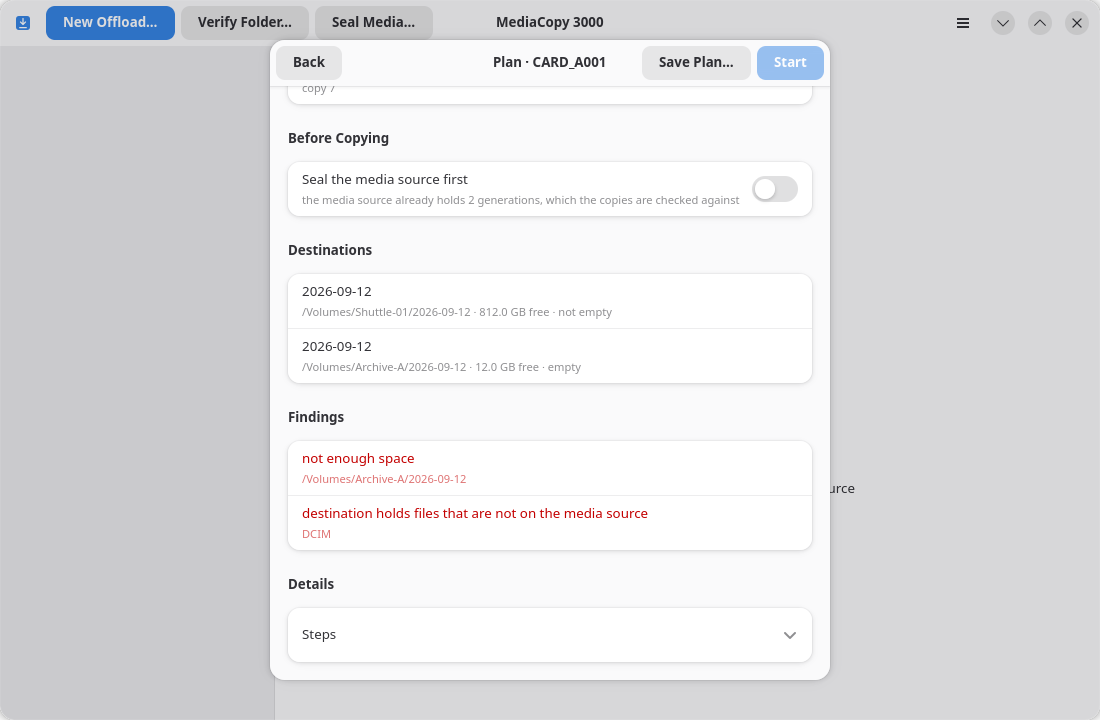
A finding is something the plan learned that you must know. Blockers come first, then warnings.
- A blocker stops the job. Start stays grey while one is on the sheet.
- A warning does not stop anything. Read it, then decide.
The page Findings lists every finding and what to do about each one.
When the plan cannot be made
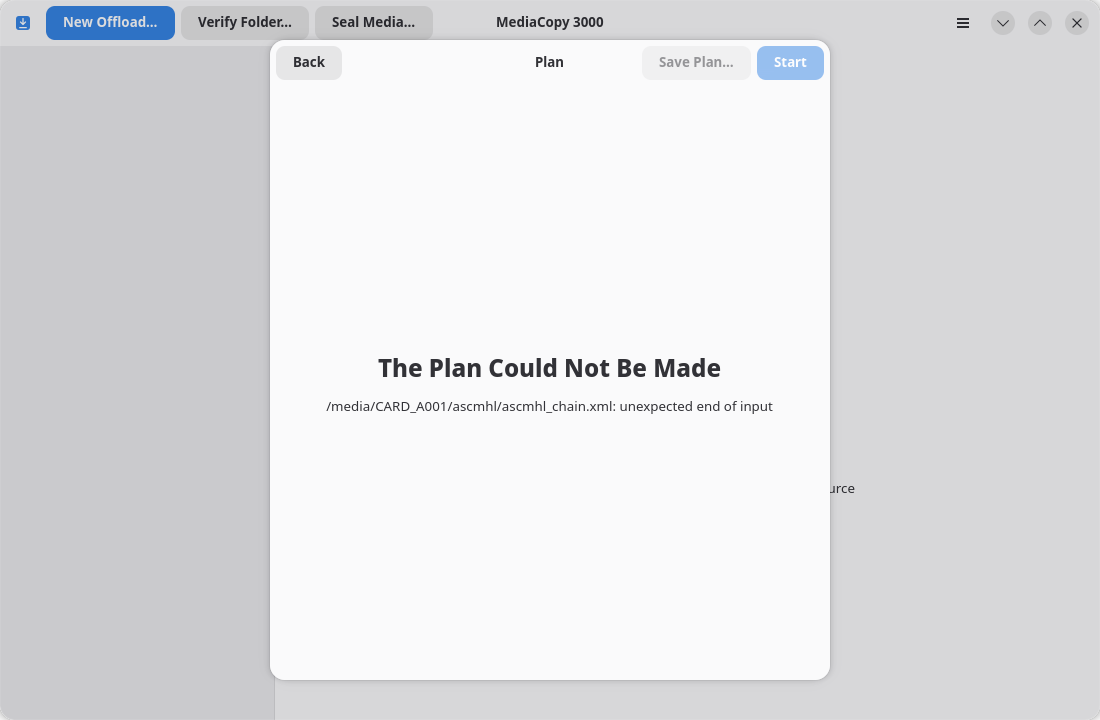
The sheet gives the reason it failed. A chain file that cannot be read is the usual cause. Nothing was changed on any disk.
Start, or go back
Start puts the job in the list and runs it, or queues it when another job is already running.
Back throws the plan away and changes nothing. Escape and the close button do the same.
Save the plan
Save Plan… writes the plan sheet as a text file. It is live when the plan is ready. The file holds the same Plan block that a saved report holds. Attach it to a problem report.
A plan that is read again
One job runs at a time. A queued job is planned again when its turn comes, because the disk can change while the job waits.
If the new plan is the same as the one you approved, the job runs. If it is not, the job goes to Needs review and the new plan comes back to this sheet for you to approve again.