Seal a media source
A seal reads a folder where it is, hashes every file, and writes the result into that folder's own ascmhl folder. Nothing is copied or moved.
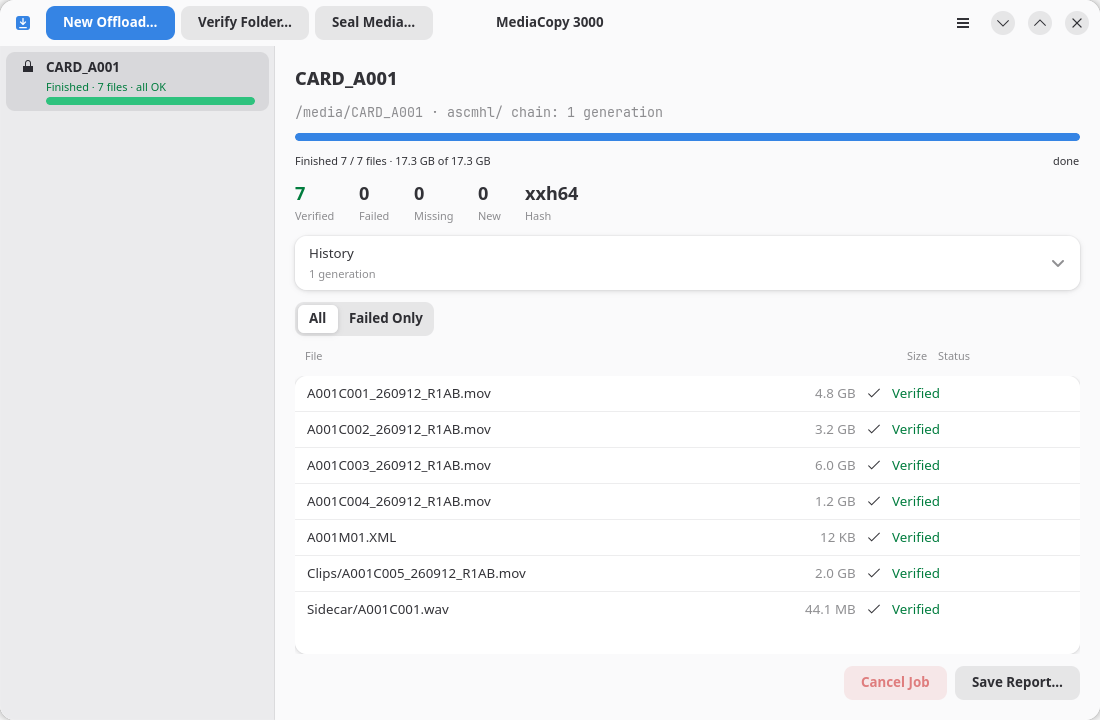
Start one
- Click Seal Media…, or press Ctrl+L.
- Select the media source.
- Read the plan, then click Start.
Why you seal
A seal gives a later offload something to check against. Without one, an offload can only prove that each copy matches what it read from the media source. With one, it can prove that what it read still matches what was there when the seal was taken.
A seal writes to the media source. So does an offload with Seal the media source first turned on, because that switch runs the same seal. Every other job leaves it as it found it.
If the media source is write-protected, or if you want nothing written to it, do not seal it and leave that switch off. Every file is then recorded as original.
What it records
A seal records every file as original, because these are the first hashes anybody took of them. It uses xxh64 for a folder that holds no history. For a folder that holds one, it uses the format the history already has.
The generation records the in-place process.
Sealing a folder that is already sealed
The plan warns with folder is already sealed and names the generation the folder already holds. The job can still run. It writes a second generation that says the files still hash to the same values, which is a verify in all but name.
For that job, use Verify Folder… instead. It says what you mean.